Coming to the App Store
Keyloft
A little peace of mind.
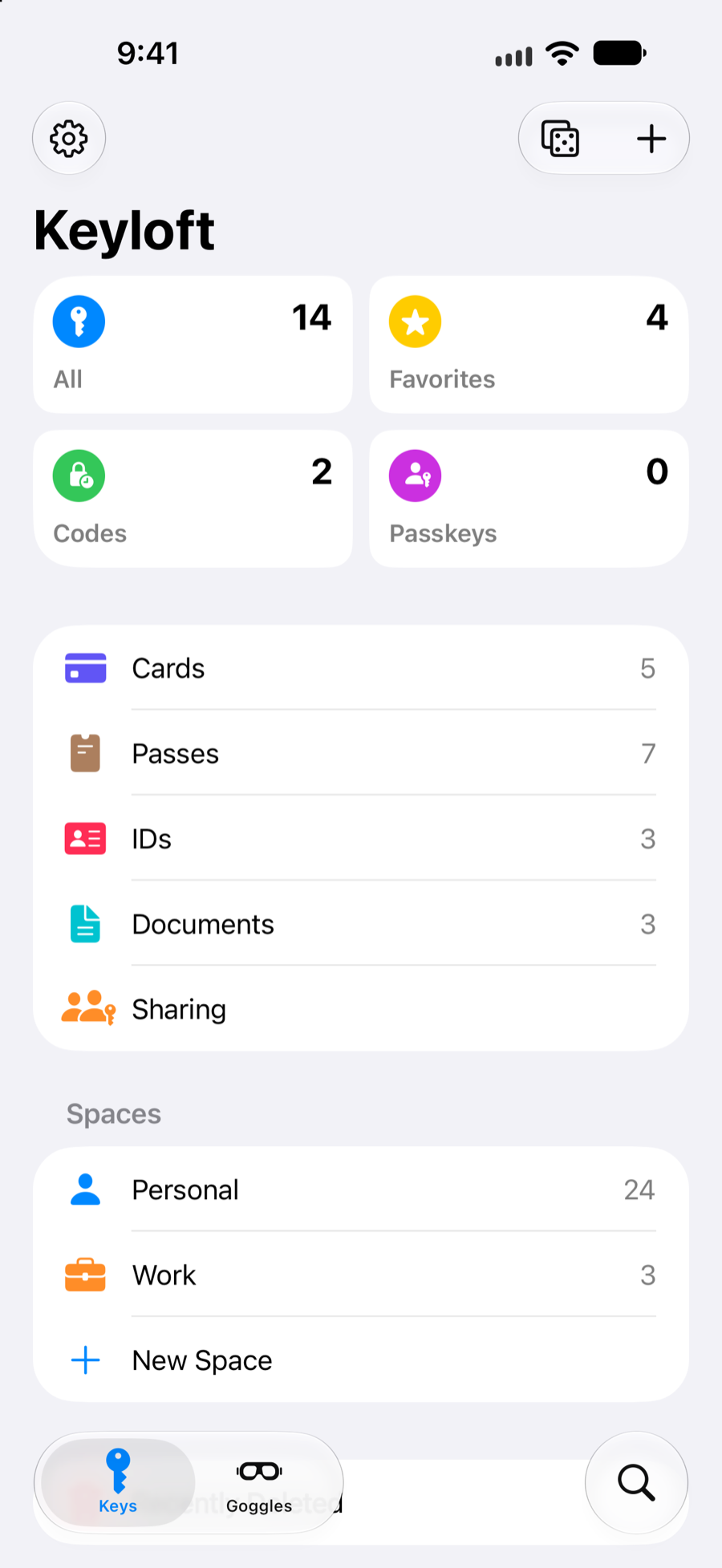
Passwords, verification codes, cards, identities and documents in one encrypted vault. Keyloft works with Apple AutoFill, can sync privately through your own iCloud account, and gives you a clear view of weak, reused and optionally breached passwords without relying on an MWDS-hosted vault service.
Inside Keyloft
The work stays underneath. The vault stays calm.
At a glance
- Availability
- App Store launch in preparation
- Version
- 1.0 in App Store preparation
- Price
- To be announced
- Requires
- iOS 26 or later · macOS 26 or later
- Devices
- iPhone, iPad, Mac and Apple Watch
- Category
- Utilities
What it does
Keyloft features
One encrypted vault
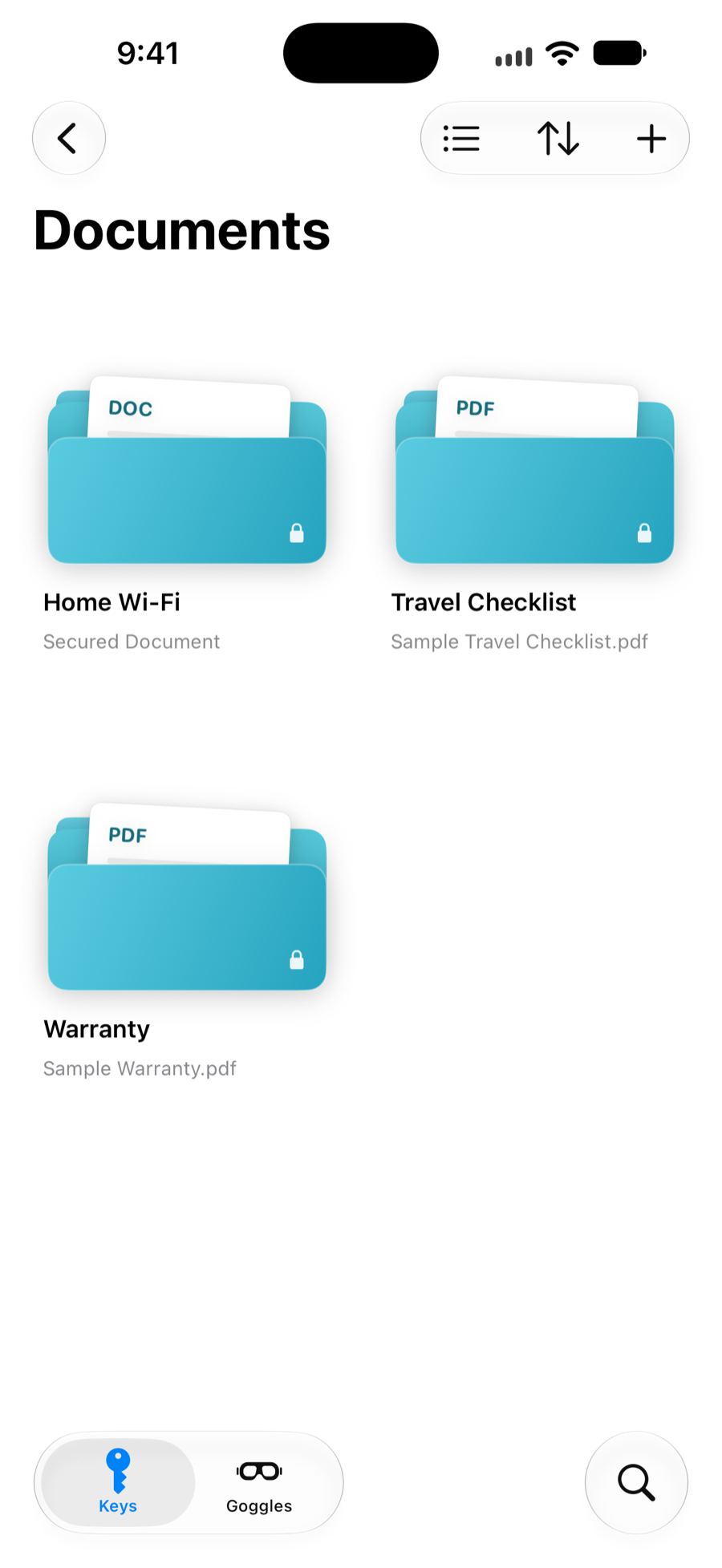
Keep passwords, verification codes, cards, identities, secure notes and documents together. Your vault is encrypted before optional iCloud sync.
Apple AutoFill
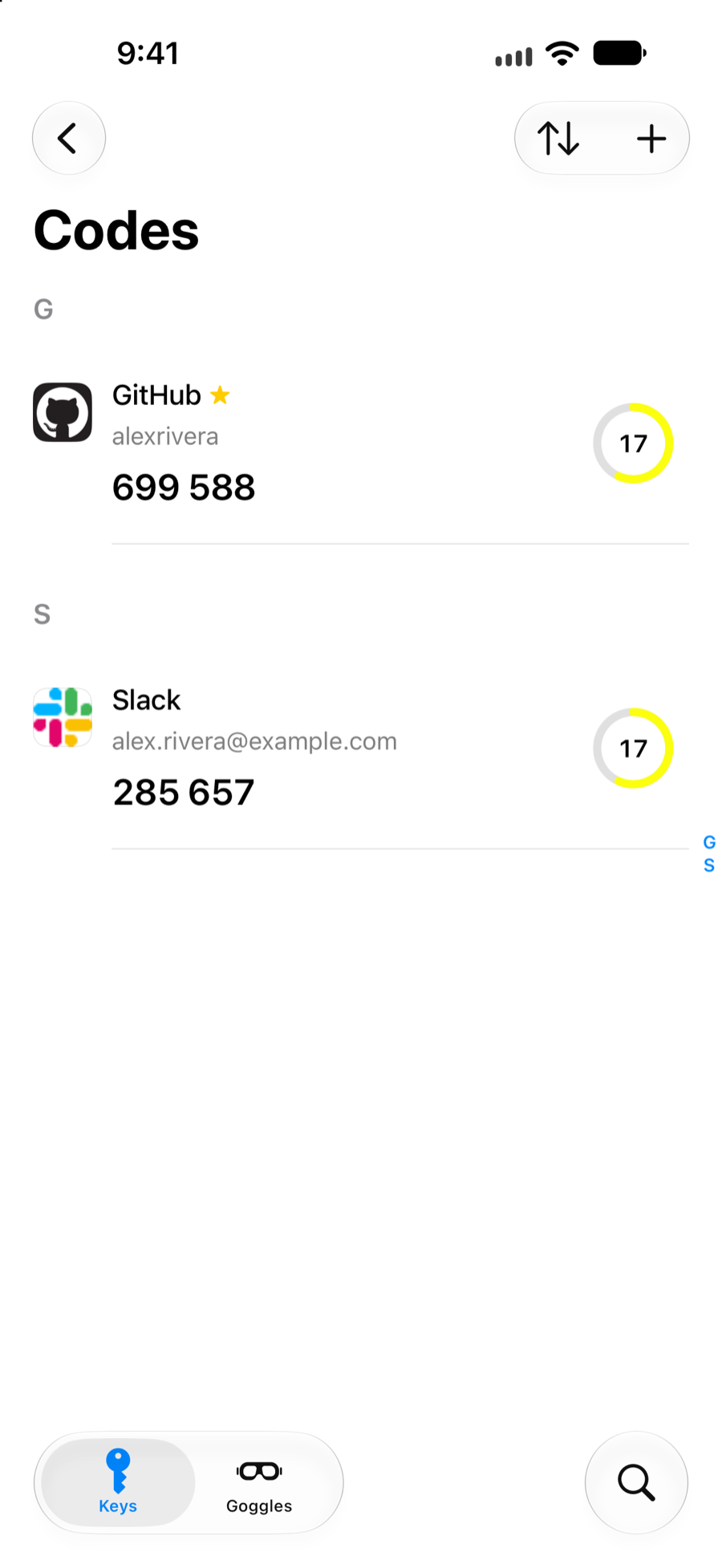
Fill passwords, verification codes and supported passkeys in Safari and compatible apps, after confirming with your device authentication.
Spaces that match your life
Separate work, home and anything else without splitting your records across different accounts or apps.
Password health, on demand
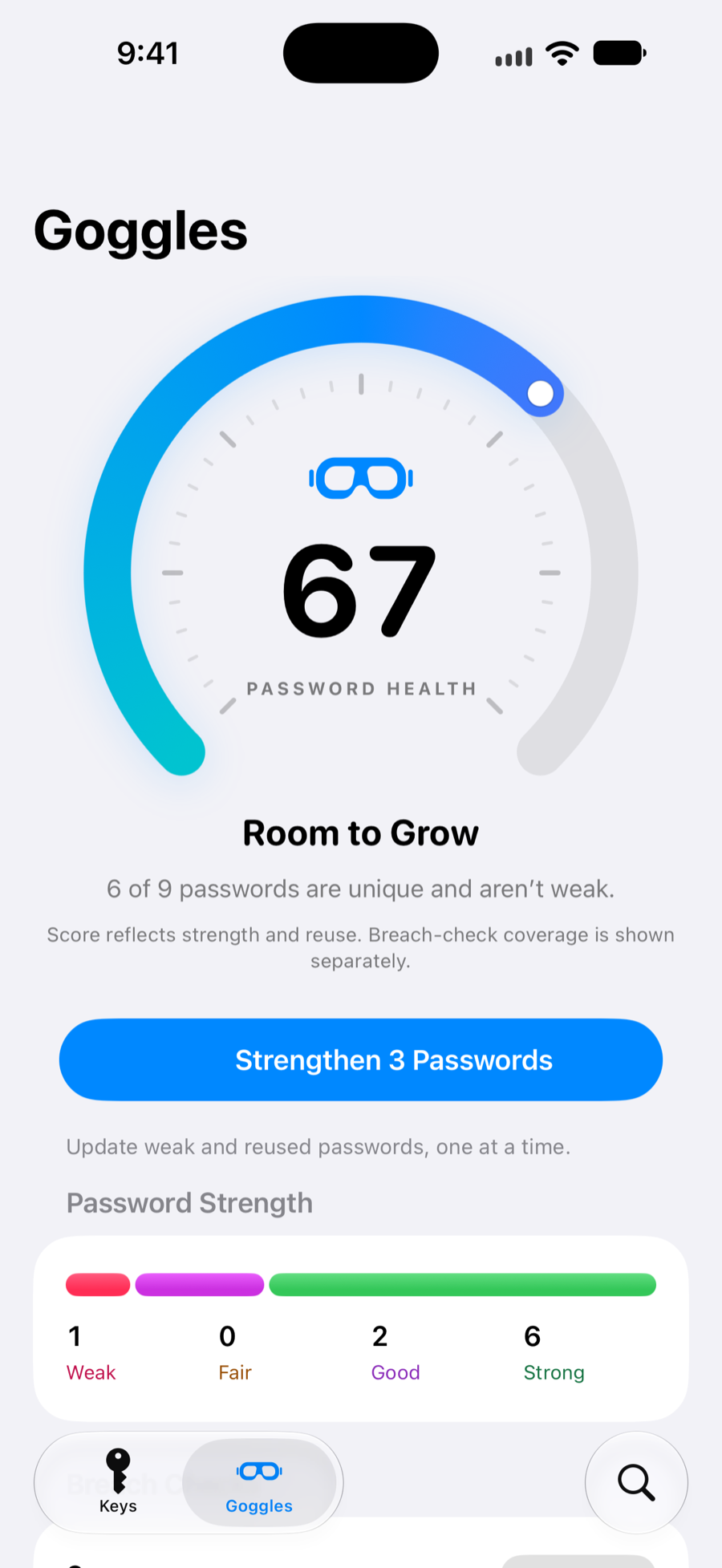
Goggles highlights weak and reused passwords. Keyloft Pro can run an optional breach check using a five-character hash prefix, never the password itself.
Private iCloud sync
Choose local-only storage or sync encrypted records through your own Apple account. MWDS does not operate a hosted vault database for Keyloft.
Files and important records
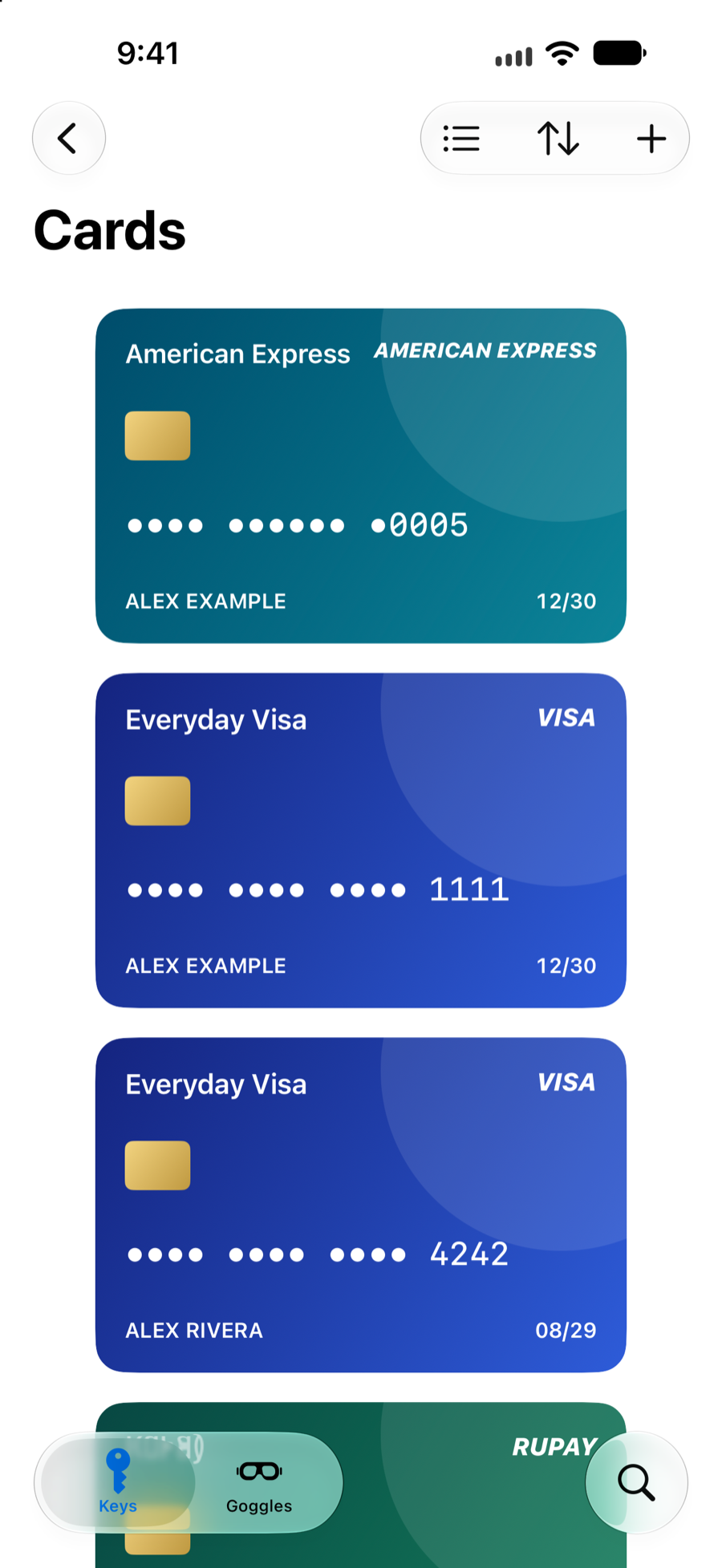
Keep cards, identity details, passes and encrypted document attachments beside the logins they support, instead of scattering them across apps.
Where your vault goes
Local first. Private sync when you choose it.
Keyloft encrypts your saved vault on the device. When sync is enabled, encrypted records use private iCloud storage tied to your Apple account. MWDS does not run a Keyloft vault server, and local-only use remains available.
A few features make deliberate outside requests: optional icon and cover lookup, Apple StoreKit, and a Pro breach check you start yourself. The full services, data and deletion details are listed in the Keyloft privacy policy.
Before launch
What is confirmed today.
Is Keyloft available on the App Store?
Not yet. Version 1.0 is being prepared for App Store distribution, and no public release date has been announced.
Where does Keyloft keep my data?
Keyloft stores its vault locally in encrypted form. If you enable sync, encrypted records use your private iCloud account rather than an MWDS hosted vault service.
What can I keep in Keyloft?
The version 1.0 release candidate supports passwords, verification codes, payment cards, identities, secure notes, documents and passkeys. Store distribution and real device validation are still in progress.
Does Keyloft check breached passwords?
Keyloft Pro can run a check when you choose. The lookup sends a five character hash prefix so the password itself is not sent to the breach lookup service. It is an explicit scan, not continuous monitoring.
Does AutoFill work outside Safari?
Keyloft uses Apple's credential provider, which can fill supported sign in forms in Safari and compatible apps. Availability depends on the form and Apple platform support.
How much will Keyloft cost?
Launch pricing has not been announced. This page will be updated when the App Store listing is live.