ClipStack
Your clipboard, with a memory.
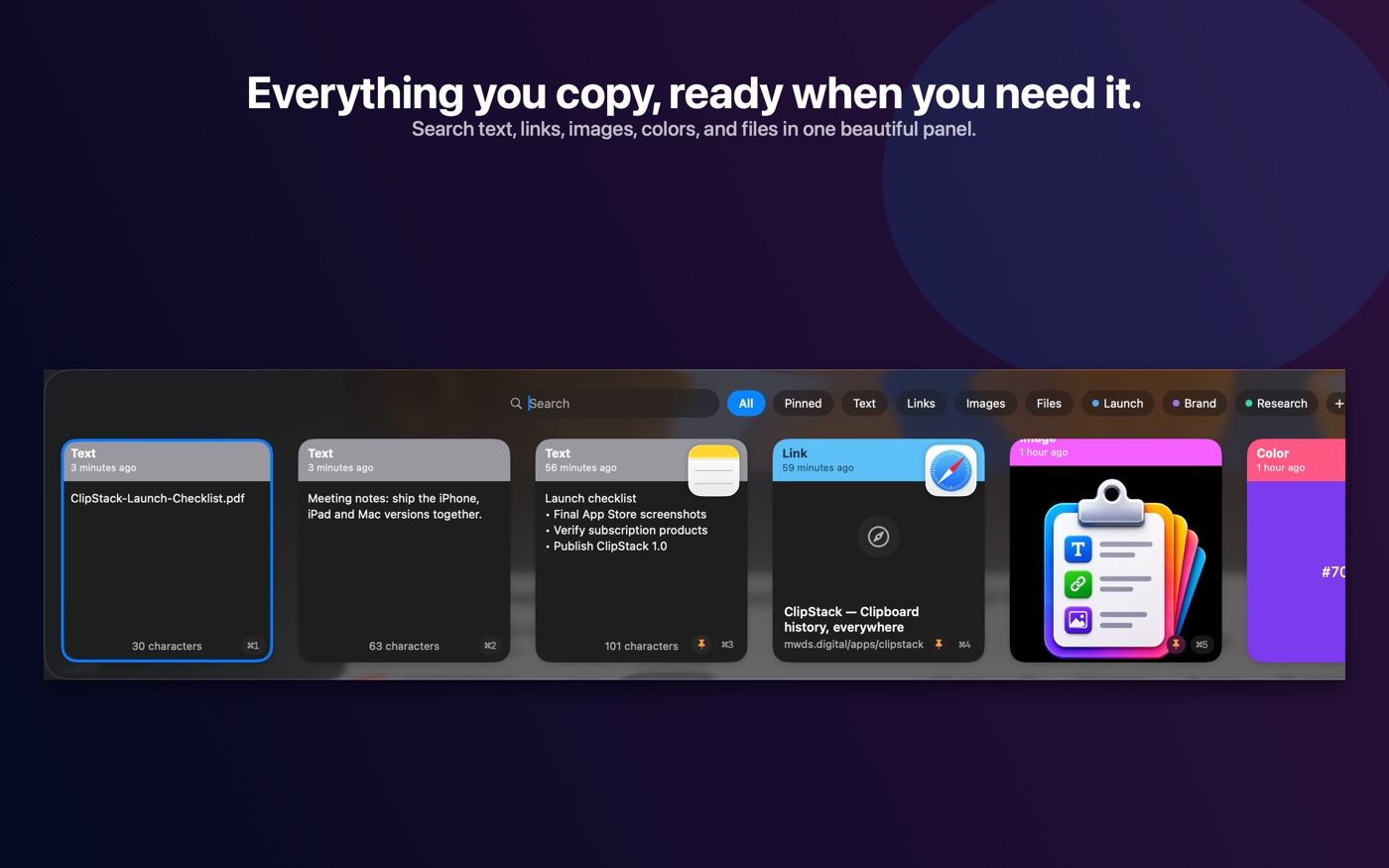
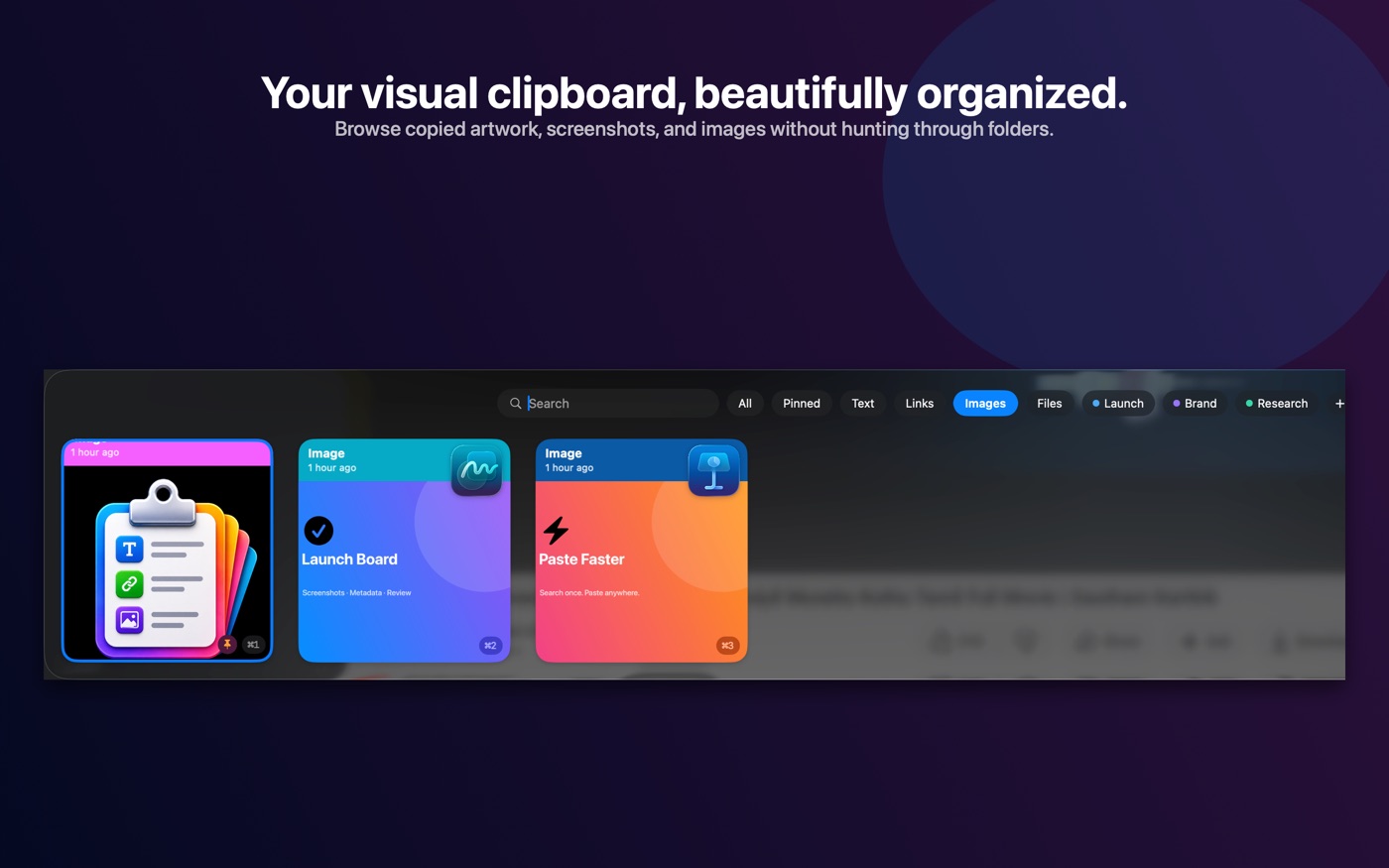
Your Mac already forgets everything you copy the moment you copy the next thing. ClipStack keeps a history of it — text, links, images, files and colours — and puts it a keystroke away. Press ⇧⌘V anywhere and a panel slides up from the bottom of the screen with your recent clips as cards. Pick one and it pastes straight into whatever you were working in.
At a glance
- Version
- 1.0 — released 28 August 2026
- Price
- Free, with an optional Pro upgrade
- Size
- 6.6 MB on iPhone and iPad · 4.8 MB on Mac
- Requires
- macOS 26 or later · iPhone and iPad on iOS 17 or later
- Age rating
- 4+
- Category
- Productivity · Utilities
What it does
Lives in the menu bar
No Dock icon and no window in your way. ClipStack sits in the menu bar and watches the clipboard, so the history is already there when you want it.
A panel, not an app switch
The ⇧⌘V panel is non-activating — the app you are working in keeps focus and its cursor. You pick a clip and carry on typing.
Pastes for you
Select a card and ClipStack pastes it into the frontmost app. Grant Accessibility permission for that; without it, it copies instead and you paste yourself.
Search that forgives
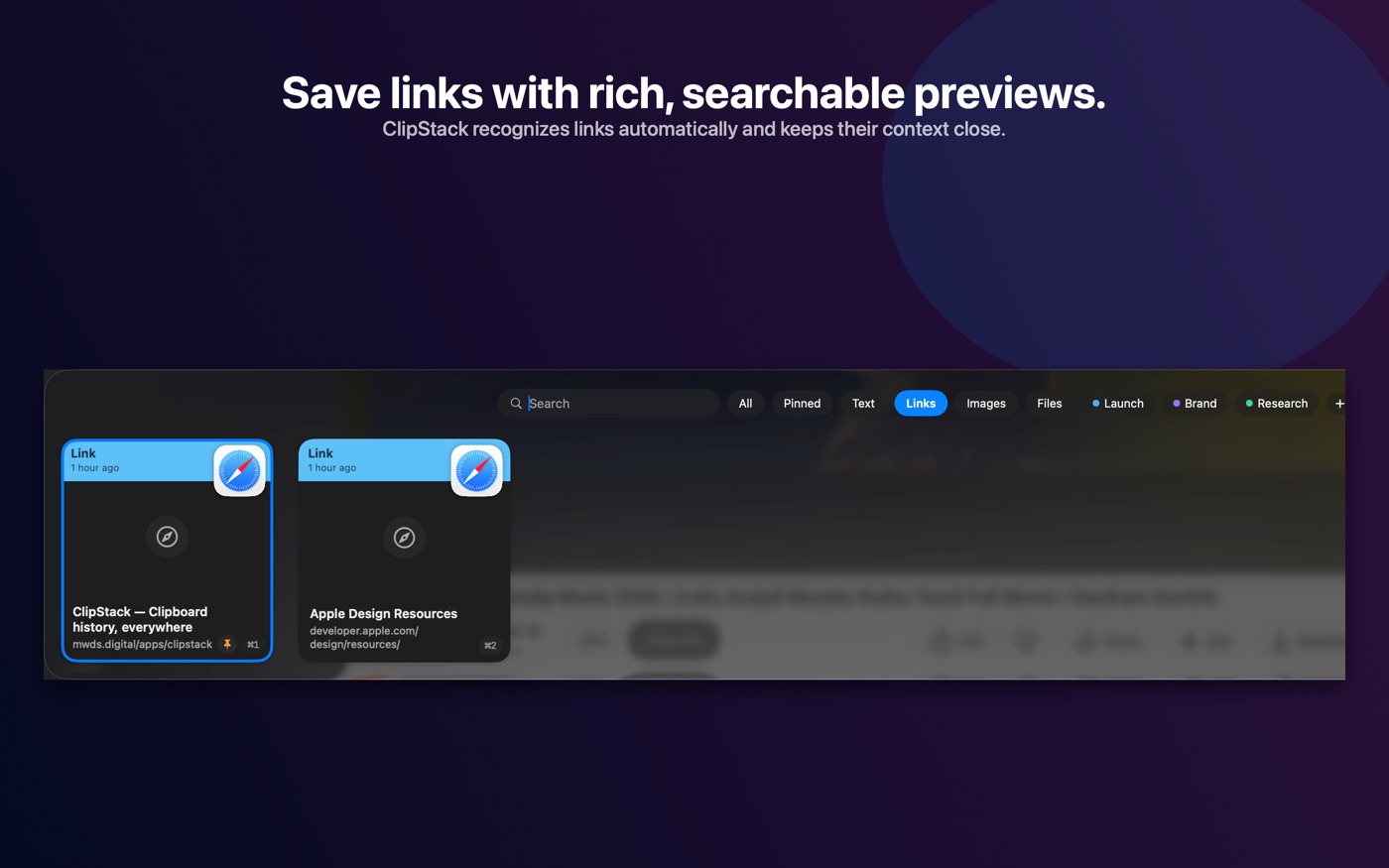
Fuzzy matching across the clip, the filename and the app it came from. Type the letters in order and the right clip surfaces — no exact phrases required.
Pin what matters
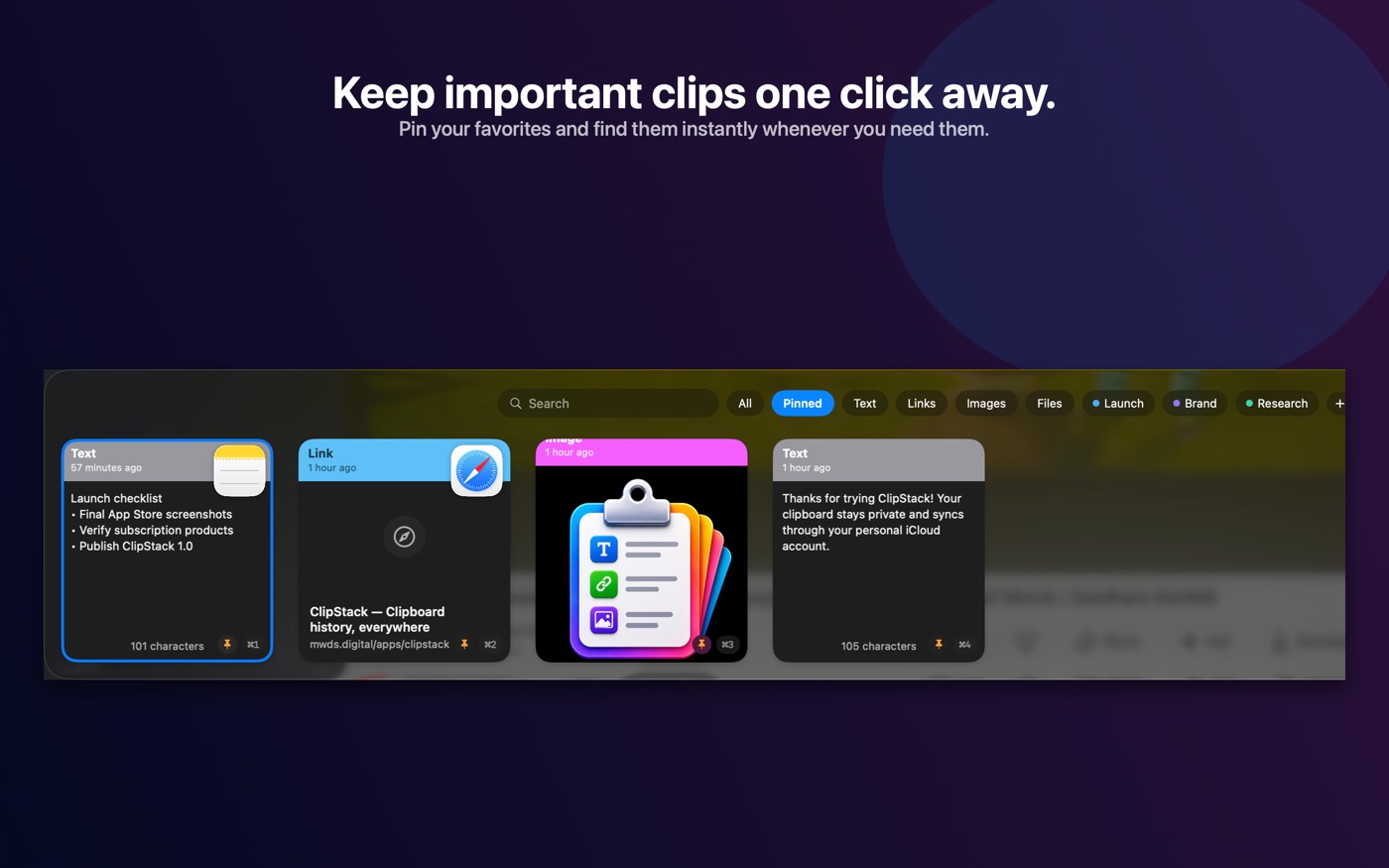
Pinned clips survive Clear and are never trimmed away by the history limit. Filter by All, Pinned, Text, Links, Images or Files.
On your iPhone and iPad
A card grid of the same history, plus a keyboard you can use inside any app — tap a clip and it types. iOS forbids background clipboard access, so the phone imports what you copied when you open it.
Where your clips go
Nowhere we can reach.
A clipboard manager sees everything you copy, so the only honest design is one where we cannot see any of it. ClipStack has no account on our side and no server of ours to talk to. Your history lives on your device. If you turn on sync it goes to your own private iCloud database, which Apple gates to your Apple Account — we have no access to it, and no way to ask for any. Turn sync off and nothing leaves the machine at all.
It also tries not to record what it should not. Content marked concealed — what password managers put on the clipboard — is skipped, never stored and never synced. After you paste a password, ClipStack clears the system clipboard behind you so it stops sitting there. You can add any app to an ignore list and nothing copied from it is captured. No analytics, no trackers, no third-party SDKs: the app's privacy manifests declare no data collected at all.
The full detail is in the privacy policy.
Plans
Free keeps your last five clips. Pro keeps the rest.
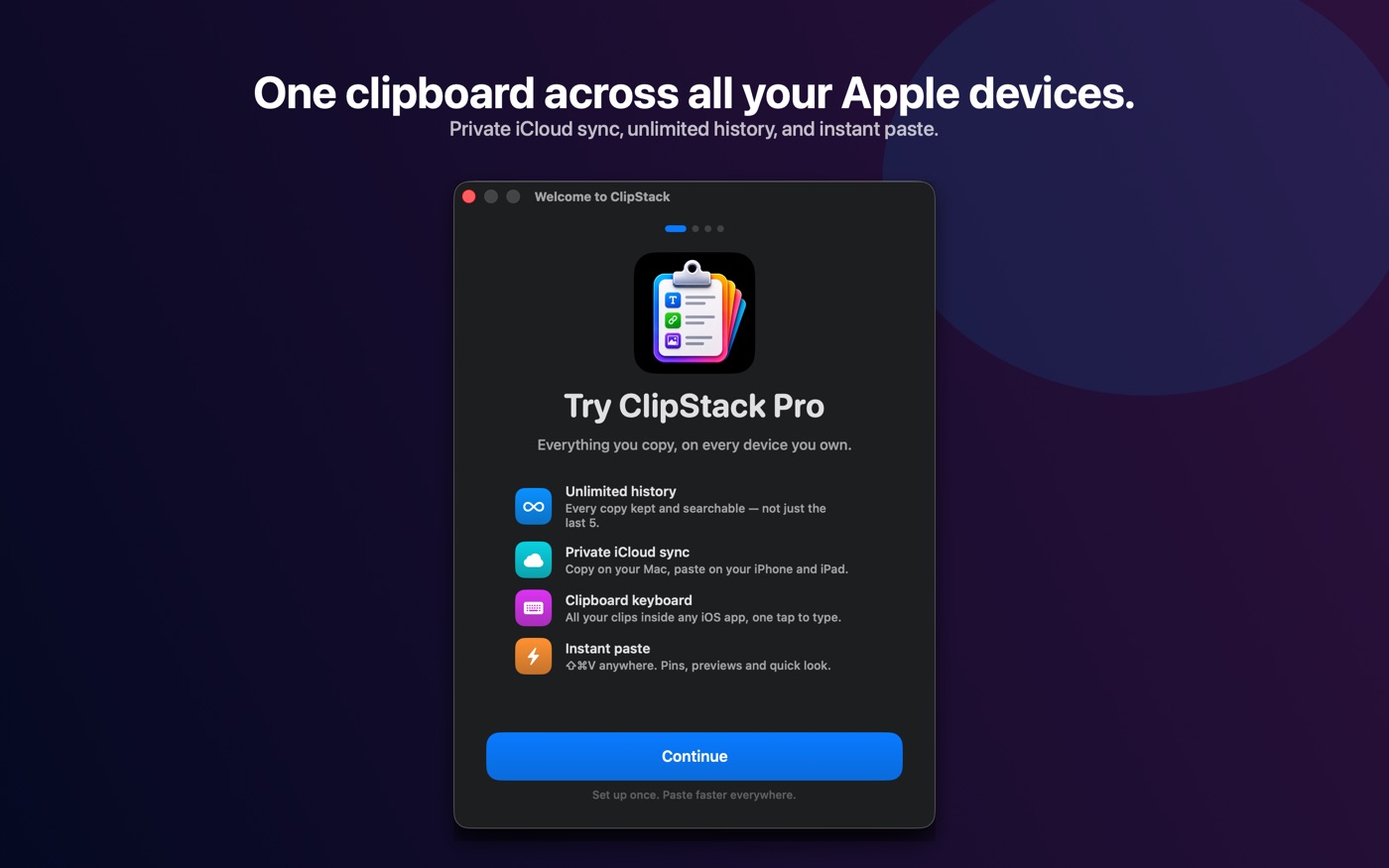
You can use ClipStack free forever with a five-clip history — enough to tell whether it belongs in your day. Pro removes the limit and unlocks the full history, and one purchase covers your Mac, iPhone and iPad, because they share a single App Store product.
Monthly
₹99 / month
7-day free trial, then billed monthly.
Yearly
₹999 / year
7-day free trial, then billed yearly.
Lifetime
₹9,999 once
One-time purchase. No renewal.
Prices shown in Indian rupees; the App Store charges in your local currency and the amount in the app is the one that applies. Subscriptions renew automatically unless cancelled at least 24 hours before the period ends, and are managed in your Apple Account settings. Full terms are in the terms of use.
Something not working, or an idea for it? Support is here, or write to support@mwds.digital.