
ClipDeck
Your fast, private clipboard history — built natively for Windows.
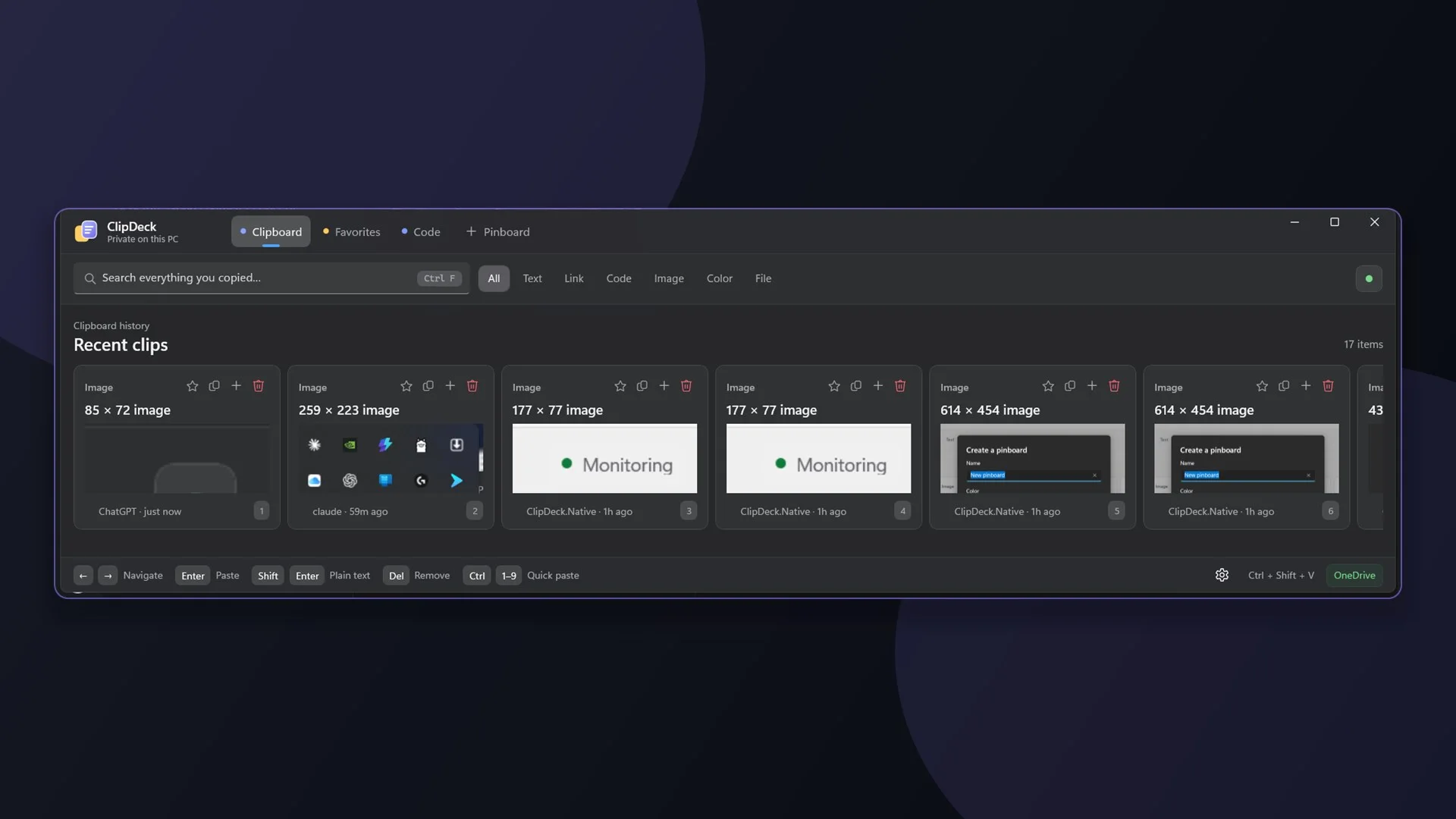
Windows forgets everything you copy the moment you copy the next thing. ClipDeck keeps the history a keystroke away — searchable, pinnable, filed into boards you decide on — and keeps it on your own PC, syncing through a folder in your OneDrive rather than a database of ours. It is ClipStack for the other desktop.
At a glance
- Platform
- Windows, 64-bit
- Price
- ₹499 in India · $6.69 in the US
- Released
- 23 October 2026
- Updated
- 25 October 2026
- Category
- Productivity
- Size
- 88 MB
- Rating
- Rated Everyone
- On the store as
- ClipDeck Clipboard
One payment, not a subscription — the listing carries no in-app purchases. The Microsoft Store charges in your own currency and shows you the amount before you buy.
What it does
One keystroke to everything you copied
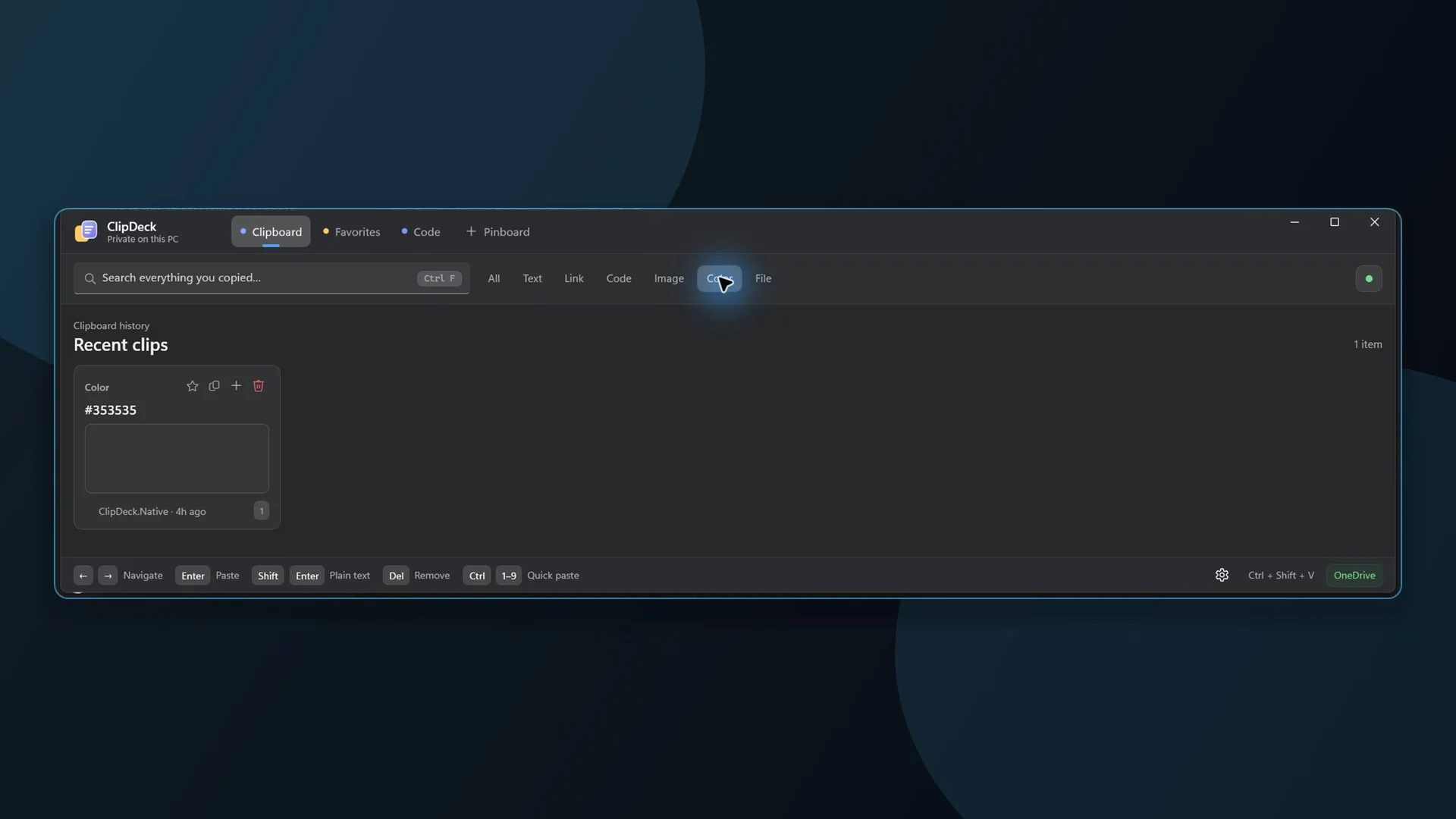
Ctrl + Shift + V opens a visual history of text, links, colours, images, code and files. Search it, or press Ctrl and a number to paste one of the first nine straight back out.
The clips you keep reaching for
Pin an item to the front so it stays where you can find it, drag the handle to reorder, and keep favourites out of the way of the automatic cleanup.
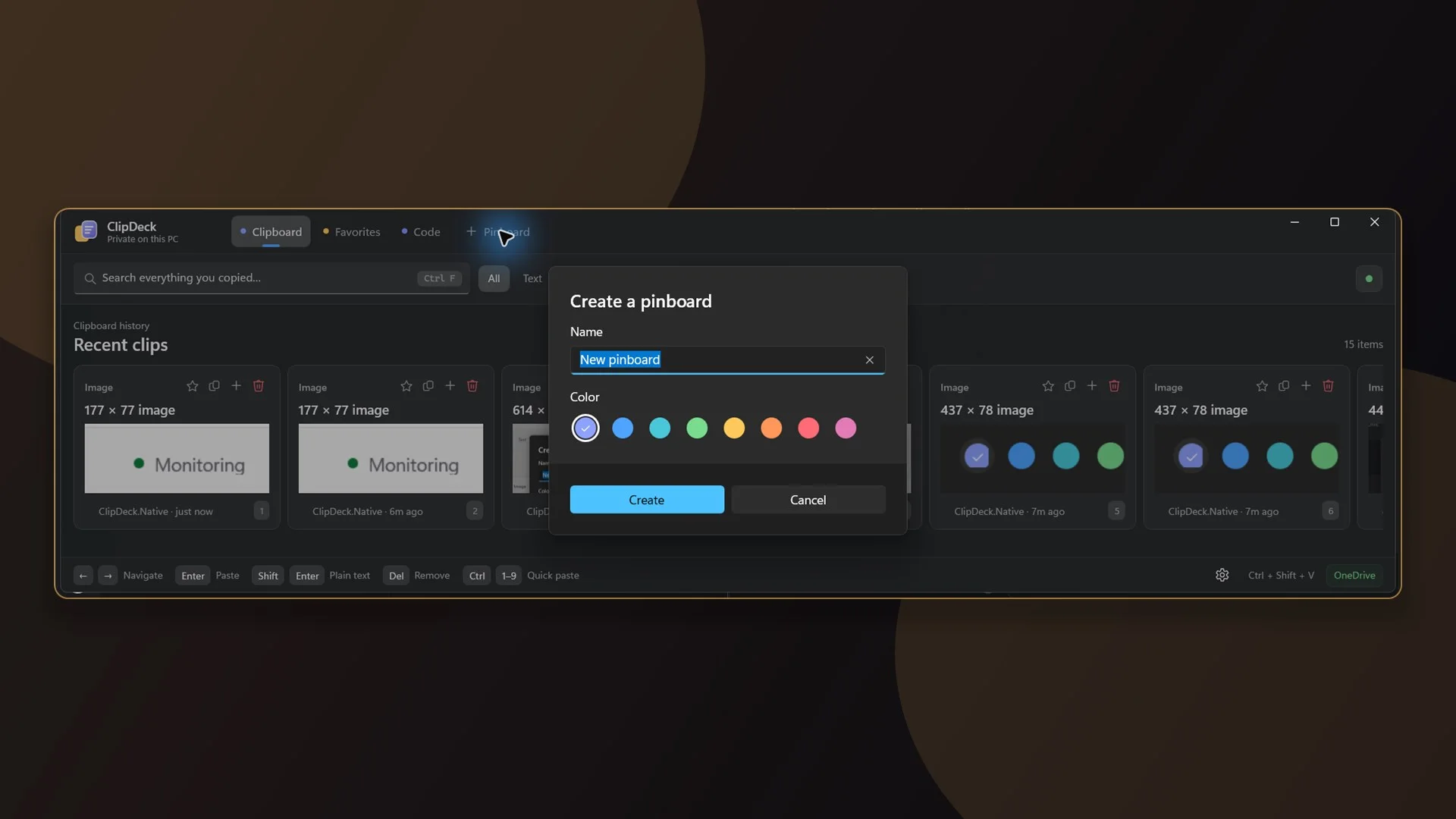
Pinboards, by colour
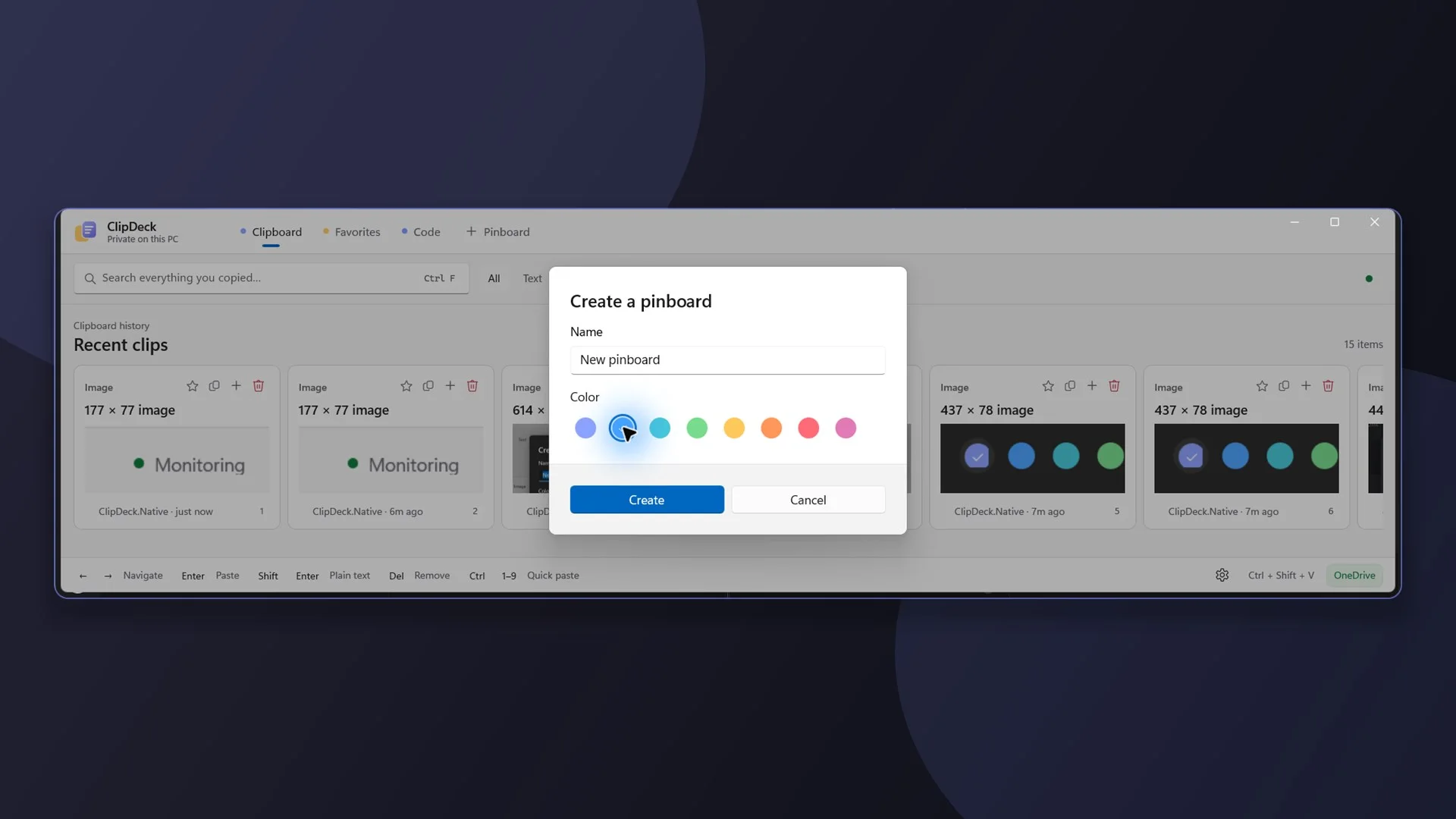
File reusable content into boards you name and colour yourself, so the snippets you use every week are not competing with what you copied a minute ago.
Native, and it looks it
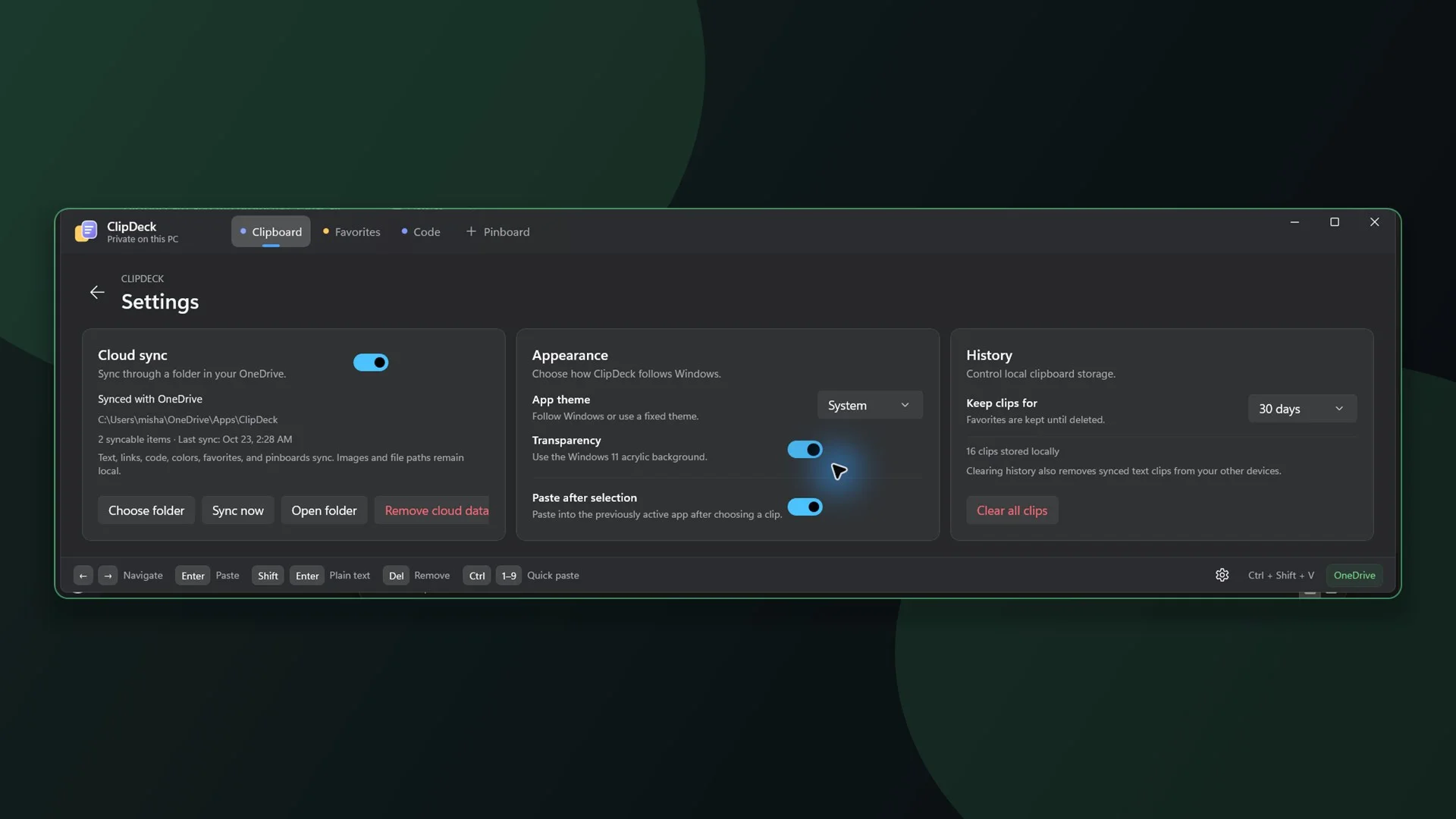
Built with native Windows technology. It follows your light or dark theme and uses Windows 11 acrylic, so it sits in the desktop rather than on top of it.
Your history stays on your PC
Clips are stored locally. Turn on sync and it uses a folder in your own OneDrive — there is no ClipDeck-hosted clipboard database anywhere. Text, links, code, colours, pinned order and pinboards sync; images and copied file paths stay on the machine.
Kept for as long as you say
Choose a retention window from one day to forever, and clear everything whenever you want. Pinned clips survive the automatic cleanup.